RankMeOff Blog
Why Is My Website Not Ranking on Google? 7 Checks to Make
A page can fail to rank because Google has not discovered or indexed it, it is blocked or canonicalised elsewhere, it does not match the search, or competing pages better meet the need. Check the URL and evidence before making broad changes.
First check whether the page is indexed
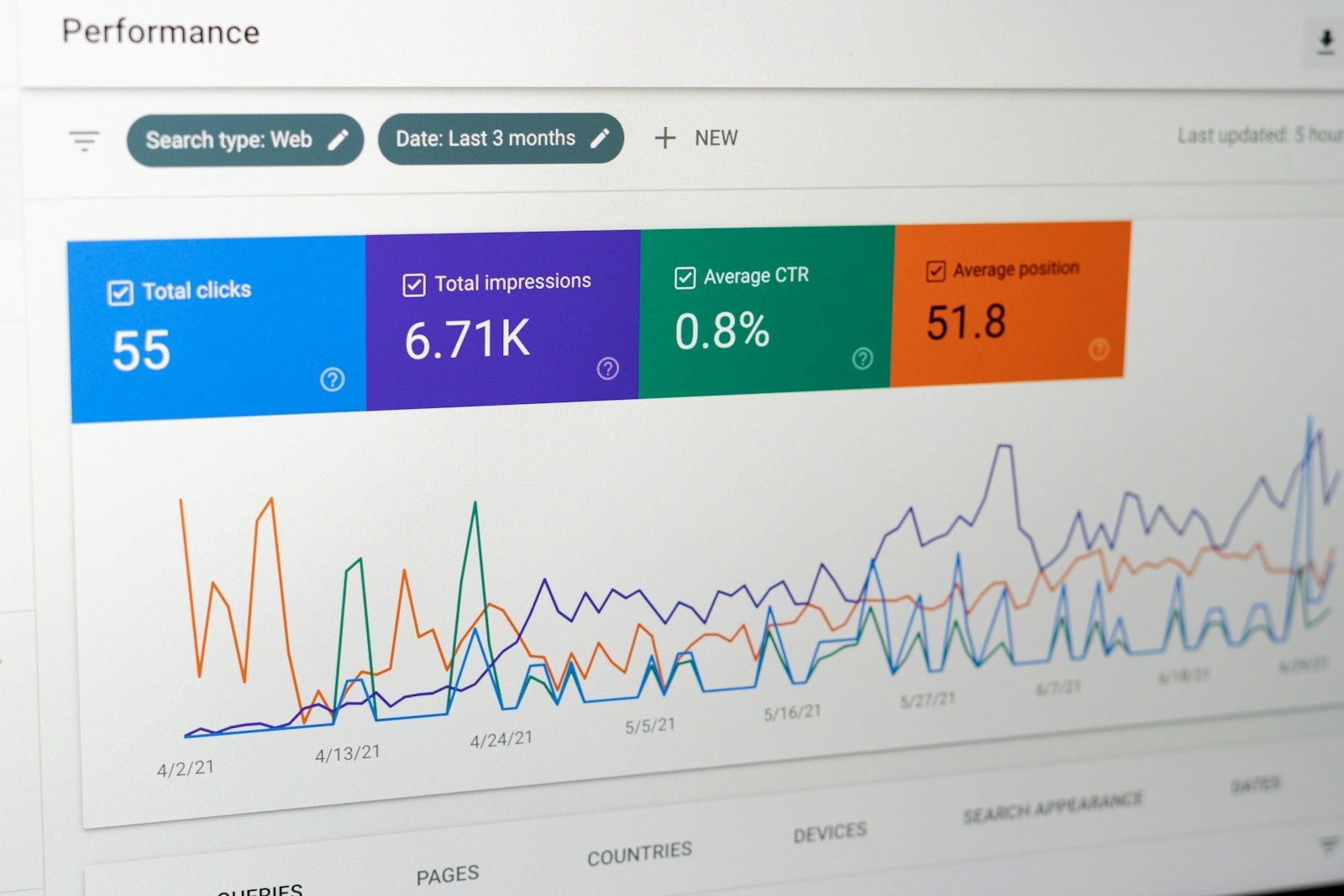
Search the exact URL in Google, then inspect it in Search Console’s URL Inspection tool. A site: query can offer clues, but it is not a complete index report. If the page is new, discovery and indexing may take time, and requesting indexing does not guarantee inclusion.
Check the page’s robots directives and response headers. RankMeOff’s noindex checker looks for meta robots and X-Robots-Tag directives on the fetched URL. It helps identify a common blocker; it cannot show every Google decision or guarantee that a page is indexed.
Check for crawl blocks, errors and the wrong canonical
Open the preferred URL while signed out and confirm it loads successfully. Review robots.txt, redirects, server errors and the declared canonical. Similar pages or a canonical pointing elsewhere can lead Google to select another URL. A sitemap can help discovery, but does not override these signals or force indexing.
Use the RankMeOff Site Audit for a first look at public crawl and sitemap signals, then review important pages directly. Our URL indexability checklist covers the common technical checks. Resolve the specific issue found instead of changing several unrelated settings at once.
Match the page to the search intent
A technically accessible page may still rank poorly if it does not answer what the searcher needs. Compare the query with the page’s main promise, format and depth. Someone looking for a nearby service, a step-by-step answer or a product comparison needs different information.
Make the page’s purpose clear in its title and headings, answer the main question early and add original details that help a reader decide or act. Avoid repeating a phrase unnaturally or publishing several near-identical pages for small keyword variations.
Improve usefulness and demonstrate real experience
Thin, outdated or generic content may struggle to compete with pages that provide clearer, more complete help. Add firsthand examples, accurate details, useful images or steps, and explain important limits. Remove material that distracts from the user’s task.
Check that important information is visible on mobile and that links, forms and navigation work. Google’s guidance focuses on helpful, reliable content for people; there is no single word count that guarantees a position.
Use Search Console data to choose the next fix
Compare the page’s impressions, clicks and queries over a meaningful period. No impressions may point to discovery, indexing or demand questions. Impressions without clicks can suggest a mismatch between the result and the searcher’s expectations. Clicks without enquiries may mean the page or offer needs work.
Record a baseline, make one focused improvement and allow time for Google to recrawl and reassess the URL. Digiiworks’ Technical SEO service can help diagnose site-level issues and prioritise fixes when the cause is unclear.
Sources and further guidance
Frequently asked questions
How long does it take for a new page to rank on Google?
There is no fixed timeline. Google must discover and process the page, and ranking depends on relevance, competition and many other signals. Indexing requests do not guarantee a ranking.
Does a noindex checker tell me whether Google indexed my page?
No. It can detect common noindex directives on the fetched page. Use Search Console URL Inspection to review Google’s reported indexing status for a specific URL.
Can adding more keywords make my website rank?
Repeating keywords is not a reliable fix. Make the page useful, accessible and closely aligned with the reader’s intent, then measure how it performs.