RankMeOff Blog
Why is my URL not getting indexed by Google?
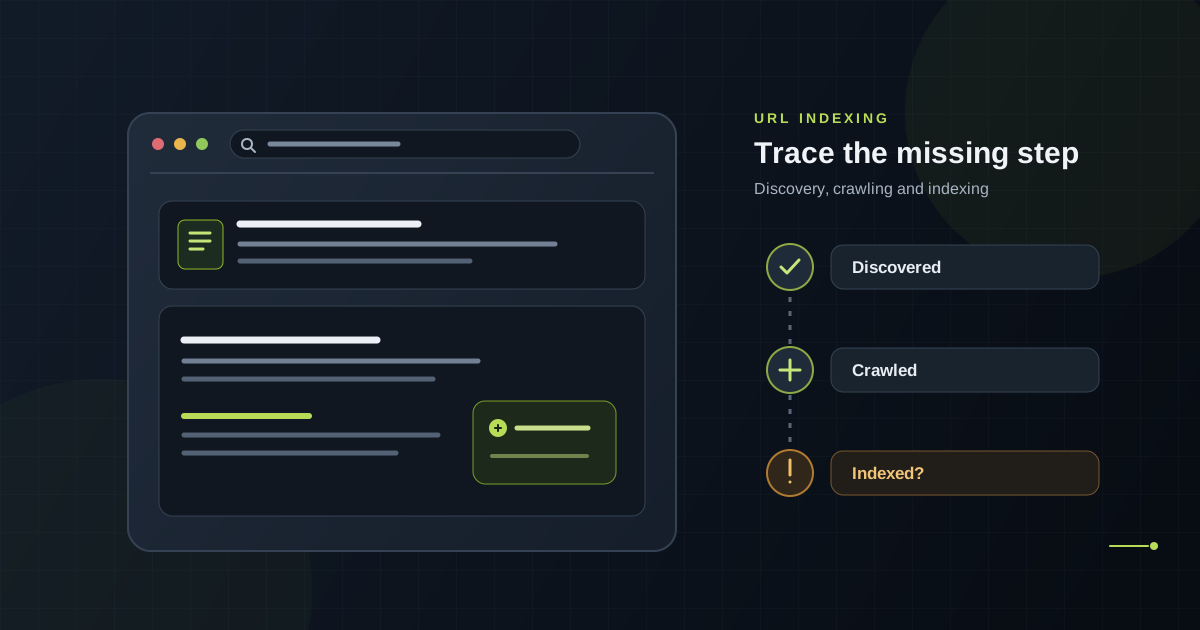
A URL can be missing because Google has not discovered or crawled it, access is blocked, the page says not to index it, another URL is treated as canonical, or Google decides the page does not merit inclusion. Inspect the URL in Search Console, fix the specific issue, then give Google time to revisit it. A request or sitemap cannot guarantee indexing.
Start with Google Search Console URL Inspection
If you manage the website, inspect the exact URL in the matching Search Console property. Read the indexed status first, including the last crawl date and the canonical Google selected. The indexed report describes the last version Google processed, so run a live test after checking the saved result. The live test checks whether Google’s inspection service can fetch the page; it does not predict or guarantee that Google will index it.
If the URL is missing from a property, first confirm you are inspecting the right protocol, hostname, and URL path. A page on https, www, a subdomain, or a different property may not belong to the property you selected.
Check whether Google can discover and crawl the page
A newly published or isolated page may not have been found yet. Add a normal crawlable link from a relevant page on your site and include the preferred URL in your XML sitemap. A sitemap helps Google discover URLs, but it is only a hint: it does not force a crawl or add a URL to the index.
Open the URL without signing in and check the response. It should load the intended page without an unexpected redirect, access challenge, server error, or timeout. Review your robots.txt rules to make sure Google is allowed to fetch it. A robots.txt block can stop crawling, but it is not a reliable way to keep a URL out of search results.
Look for noindex and canonical signals
Check the page HTML for a noindex robots directive and check the HTTP response headers for an X-Robots-Tag. A page that should appear in Google must not carry an instruction that excludes it. Make sure the URL is crawlable so Google can see changes to those directives.
Next, inspect the declared canonical and Google-selected canonical. If several URLs show substantially similar content, Google may choose one version to represent them. Use consistent internal links, redirects, sitemap entries, and canonical tags to point to the version you want indexed. A canonical tag is a signal, not an absolute command.
RankMeOff’s Noindex Checker looks for common noindex directives on the version it can fetch. The Site Audit reviews selected public crawl and sitemap signals. These checks can help find technical issues; neither tool can see every Google decision or confirm that Google has indexed the URL.
Make sure the page is useful and distinct
Being crawlable does not mean a page must be indexed. Google may leave out duplicate, soft 404, empty, or low-value pages. Check that the URL returns the right page, has a clear purpose, and provides useful information that is not just a near-copy of another URL. If the page is meant to replace an older one, consolidate the content and redirect or canonicalise deliberately.
Do not add filler text or repeat keywords just to make a page longer. Improve the answer, evidence, original details, and links that help a reader complete the task. There is no word count or indexing trick that guarantees inclusion.
Fix the cause, then request another crawl
After correcting a real issue, use Search Console’s live test and request indexing for a small number of important URLs. For many updated pages, submit or refresh a sitemap instead. Google sets limits on manual requests and says a request does not guarantee that a page will be crawled or indexed. Processing can take time, so avoid resubmitting the same unchanged URL repeatedly.
Keep notes on the issue, fix, and inspection date. If many pages share the same exclusion, investigate the common template, canonical rule, server response, or internal-link pattern rather than treating each URL as an unrelated case.
RankMeOff’s Google Index Checker records what a search-results check observes for a URL at a point in time. Search results can vary and are not Google’s full index database. For Google’s reported indexing details on a site you manage, use Search Console URL Inspection.
If the same crawl or canonical issue affects many pages, Digiiworks’ technical SEO service can help review site-wide issues and prioritise fixes.
Sources and further guidance
Frequently asked questions
How long does Google take to index a URL?
There is no fixed timeline. Discovery, crawling, and indexing depend on Google’s systems and the page. A request can help prompt a revisit, but it does not guarantee timing or inclusion.
Does submitting a sitemap guarantee that my URL will be indexed?
No. A sitemap can help Google discover a URL, but it does not guarantee crawling or indexing. Include the preferred, canonical URLs and make sure they are accessible.
Can robots.txt keep a URL out of Google?
Robots.txt controls crawling, not reliably whether a URL can appear in results. If you need to prevent indexing, allow Google to crawl the page and use an appropriate noindex directive, or restrict access when the content is private.
Is a third-party Google index checker the same as Search Console?
No. A third-party checker observes search results. Search Console URL Inspection reports Google’s information for a URL in a property you manage.